
MCP Enterprise Auth for SRE Teams
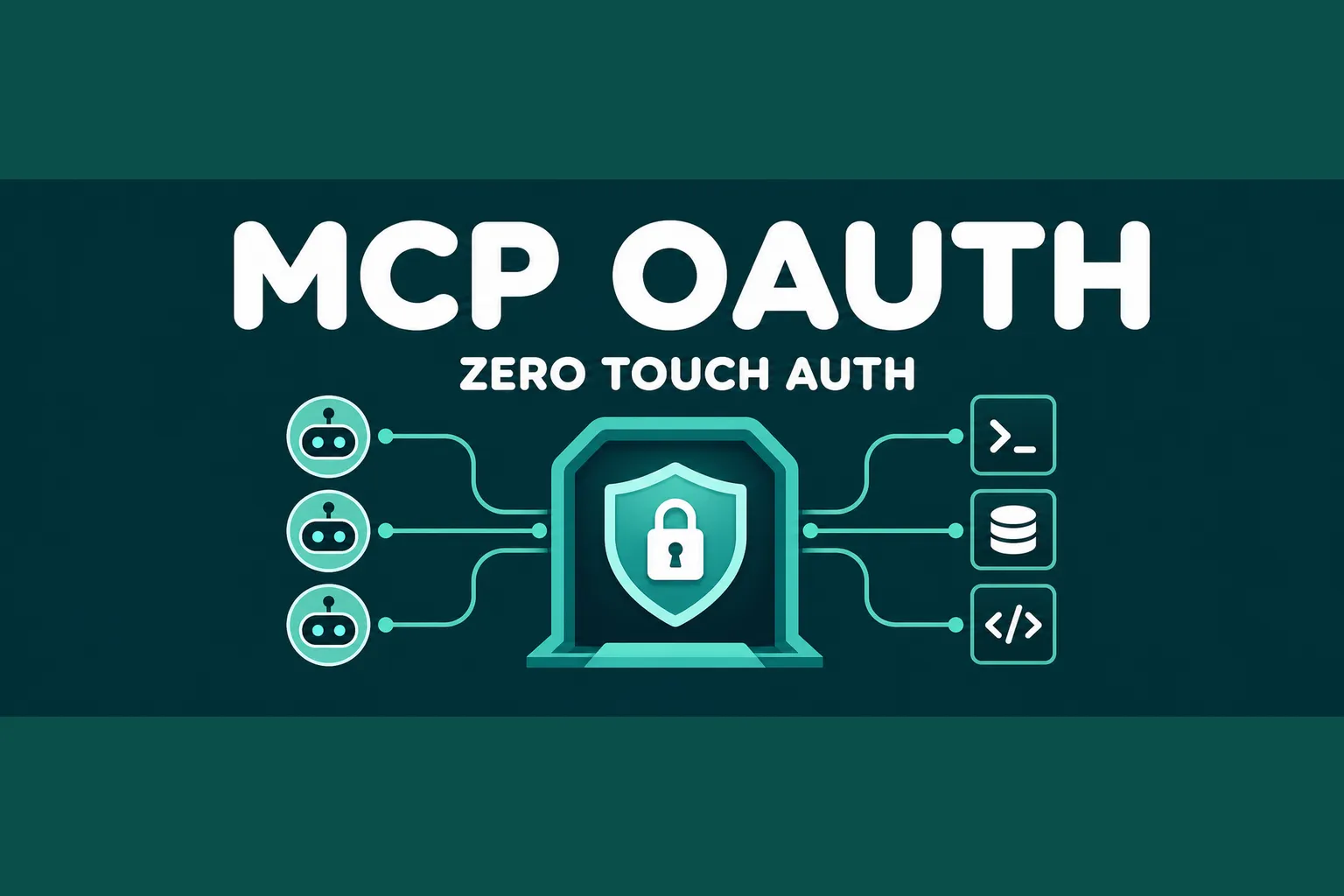
MCP adoption is moving from local experiments into shared engineering environments. That changes the security problem. A few developer-controlled MCP servers are easy to tolerate. Dozens of servers connected to incident tools, ticketing systems, code hosts, databases, and observability backends need a real identity model.
The Model Context Protocol team just marked Enterprise-Managed Authorization, or EMA, as stable. For SRE and platform teams, this is worth tracking because it moves MCP access control closer to normal enterprise identity operations.
What Is Enterprise-Managed Authorization?
Enterprise-Managed Authorization is an MCP auth extension that lets an organization manage MCP server access through its identity provider. Instead of each user authorizing each server through a separate OAuth consent flow, admins define access centrally and users inherit the right connections when they log in.
The key idea is simple: your corporate IdP becomes the decision point for MCP server access. Group membership, role, and conditional access policy decide which tools an AI client can reach.
The current launch highlights Okta support through Cross App Access, client support from Anthropic and Visual Studio Code, and server support from tools such as Asana, Atlassian, Canva, Figma, Granola, Linear, and Supabase.
Why SRE Teams Should Care
Per-user MCP authorization is fine for demos, but it creates operational drift in production:
- Every engineer has to connect the same servers manually.
- Security teams lose a central audit path.
- Personal and work identities can blur together.
- Offboarding and access review become harder than they should be.
Those are familiar failure modes. They look a lot like unmanaged SaaS OAuth apps, only now the connected client may be an AI agent that can inspect tickets, query telemetry, draft changes, or call internal tools during an incident.
EMA gives platform teams a better starting point: approve the server once, map access to trusted identity groups, and let the client obtain scoped access without repeated consent prompts.
How The Flow Works
The extension uses an Identity Assertion JWT Authorization Grant from the IdP during single sign-on. The MCP client exchanges that assertion for an access token from the MCP server authorization server.
The user does not bounce through a separate consent screen for every server. The organization keeps policy in the IdP, while the MCP server still receives a proper access token for the authorized user context.
That matters for auditability. When an incident assistant reads a dashboard, files a ticket, or queries a project system, teams need to know which identity and policy allowed that action.
Rollout Checklist
Start with read-only servers. Documentation search, ticket lookup, service catalog access, and observability queries are safer first targets than deploy or remediation tools.
Define MCP groups in the IdP. Avoid granting broad access to every engineer by default. Map servers to team ownership, on-call roles, and environment boundaries.
Log tool access from both sides. IdP logs show authorization decisions, while MCP server logs should show tool calls, resources touched, latency, and failures.
Separate personal and corporate accounts. EMA is useful because it reduces accidental account mixing, but only if clients and servers enforce the enterprise identity path consistently.
Review the extension requirements and the ext-auth repository before enabling it in a real environment.
Conclusion
MCP makes tools reachable by AI clients. Enterprise-Managed Authorization helps make that reach governable. For SRE teams building agent-assisted workflows, this is a practical step toward safer production adoption: central policy, fewer manual connections, clearer audit trails, and less OAuth sprawl.
Looking to automate infrastructure operations? Akmatori helps SRE teams reduce toil with AI agents built for real production workflows. For reliable global infrastructure, check out Gcore.