
What Is Herdr 2026: Agent Multiplexer for Coding Agents
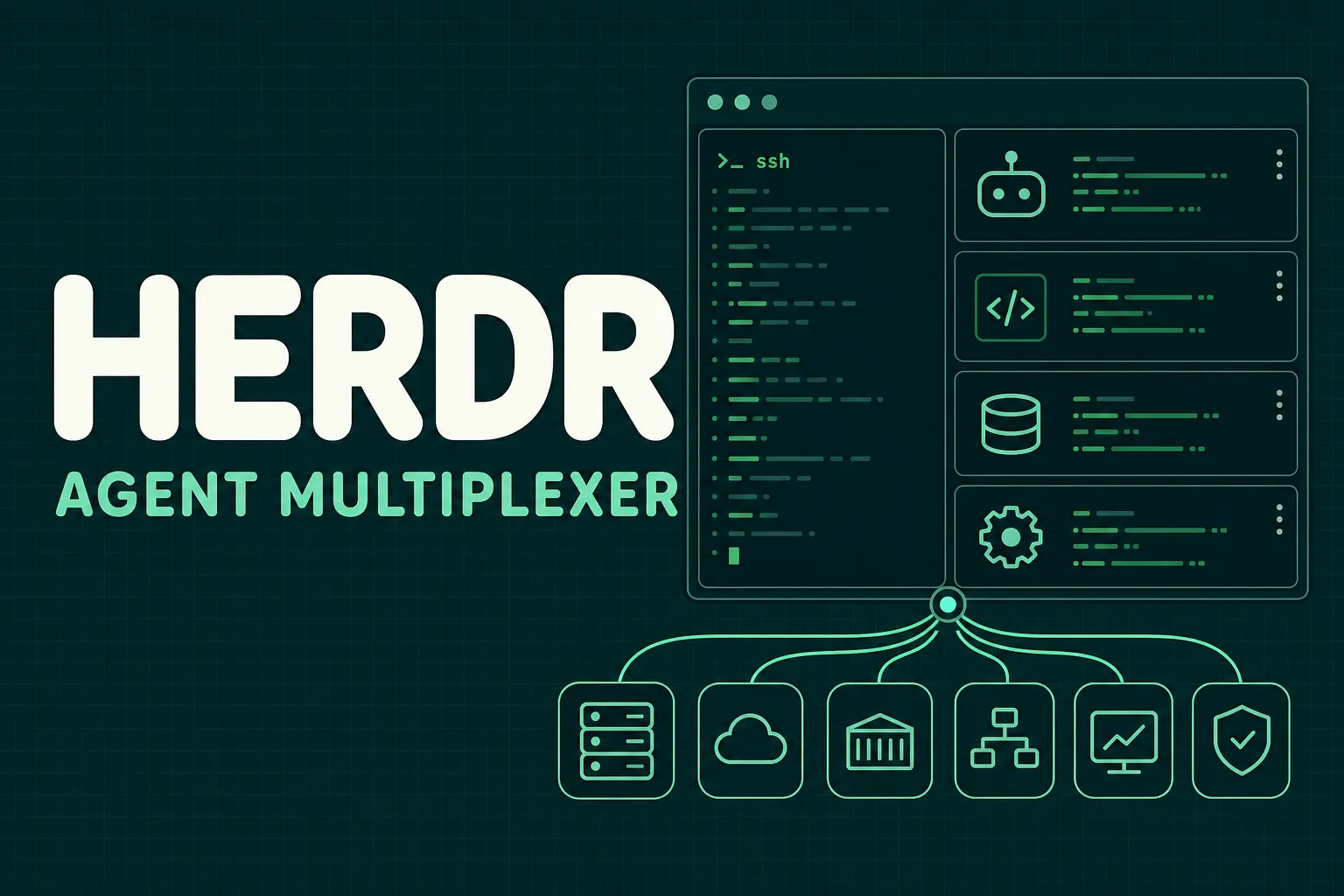
Most AI coding tools still assume a single interactive session. You open a terminal, start an agent, ask it to work, and keep the window alive until it finishes or blocks. That model works for one task. It starts to crack when an engineer is running several agents across different repositories, servers, incidents, test runs, and migration plans.
Herdr is built for that gap. It describes itself as an agent multiplexer: "tmux for coding agents", but with agent state, clickable panes, persistent sessions, remote attach, and a CLI/socket API that agents can use.
Updated August 2026 with exact "what is Herdr", "Herdr agent multiplexer", tmux-for-coding-agents, CLI, and persistent coding-agent query wording.
Quick Answer
Herdr is a terminal-native agent multiplexer. Use it when you want multiple Claude Code, Codex, Pi, Hermes, or other coding-agent sessions to stay alive in real PTYs, show state, survive disconnects, and remain reachable over SSH.
For searches like "what is Herdr", "herdr", "Herdr agent multiplexer", or "tmux for coding agents", the short answer is: Herdr is the terminal control plane around many long-running coding agents.
herdr
herdr workspace create --cwd ~/project --label incident
herdr tab create --label agents
herdr pane run 1-1 "codex"
herdr wait agent-status 1-1 --status done
The closest mental model is tmux plus agent status. tmux keeps panes alive. Herdr keeps panes alive and makes agent state visible enough for an operator or another agent to act on it.
If you are comparing agent operations tools, pair Herdr with the super agent harness guide, cmux for Claude Code, OpenClaw vs Hermes comparison, and Hermes Agent self-hosted guide.
For SRE and platform teams, that framing matters. AI agents are no longer just code assistants. They are starting to run operational checks, inspect logs, prepare migrations, compare deployment plans, write runbooks, and coordinate repetitive incident work. Those jobs need a runtime surface that behaves more like infrastructure and less like a disposable chat window.
The Problem Herdr Is Solving
Terminal multiplexers already solved one old operational problem: keep work alive when the network drops, the laptop sleeps, or the SSH connection disappears. tmux and Zellij are standard tools because production work often happens on remote machines, bastions, build boxes, and long-running shells.
AI agents add a new problem. The terminal pane is no longer just a shell. It may contain an agent that is thinking, editing files, waiting for approval, running tests, asking for input, or stuck behind a failed command. A normal multiplexer preserves the pane, but it does not understand the agent's lifecycle.
Desktop agent managers solve part of that by showing agent status, but they often move the workflow into a GUI app or a hosted control plane. That can be awkward for SRE workflows where the center of gravity is still the terminal, SSH, logs, Kubernetes contexts, private networks, and local credentials.
Herdr sits between those two worlds:
- Real terminal panes and persistent PTYs
- Local or remote sessions over SSH
- Agent states such as blocked, working, done, idle, or unknown
- Direct attach to an individual agent
- A sidebar for scanning the whole herd
- CLI and JSON socket APIs for automation
The important point is that Herdr does not try to replace the terminal. It adds a control layer around terminal-native agents.
Why This Matters for SRE Teams
SRE work is full of parallel context. During a normal day, an engineer might have one session watching logs, another running a load test, another reviewing Terraform drift, another tailing deployment output, and another agent preparing a pull request. During an incident, the number of active threads can grow quickly.
The risk is not only losing sessions. The bigger risk is losing state.
Which agent is blocked on approval? Which one finished the test suite? Which one is still editing files? Which pane has the database migration waiting for a yes/no? Which remote box is still running the soak test after the laptop disconnected?
Herdr makes those questions first-class. Its workspace rollups show the most urgent agent state, so a blocked pane can be noticed without opening every tab. That is the operational feature. The UI is not just decoration; it is a triage surface.
This is especially useful for AI-assisted operations because agent output can be verbose. Without a state layer, humans must scan terminals manually. With a state layer, the human can jump to the pane that needs attention.
Persistence Is More Than Convenience
A persistent PTY is not glamorous, but it is one of the most useful properties in production work. If an agent is running a test suite, collecting logs, or preparing a migration plan, the process should not die because the local terminal closed.
Herdr supports local sessions, ordinary SSH usage, and remote attach with commands like:
herdr
ssh you@server
herdr
herdr --remote workbox
That maps well to real infrastructure environments. Some agents run best on a developer workstation because they need local repo state. Others need to run on a remote build host, a staging box, or a machine with private network access. Herdr keeps the runtime where the work happens, while allowing the operator to attach from another terminal.
For SRE teams, this also avoids a common anti-pattern: dragging sensitive operational context into a web dashboard just to supervise a process. Keeping the session in the terminal and over SSH can fit existing access controls, audit expectations, and network boundaries better.
Agent Awareness Changes the Workflow
Herdr's core distinction from tmux is semantic agent state. Classic multiplexers know about panes. Herdr knows that some panes contain agents and that those agents can be blocked, working, done, idle, or unknown.
That turns a wall of terminal sessions into a queue of operational attention.
A blocked agent might need approval before running a migration. A done agent might have a PR summary ready. A working agent might be in the middle of a long test run. An idle pane might be ready for the next command. These states are simple, but simple status is exactly what busy operators need.
Herdr also supports integrations for tools such as Pi, Claude Code, Codex, Copilot CLI, Droid, Kimi, OpenCode, Hermes, Cursor, Kiro, and Qoder CLI. Some integrations report lifecycle state directly. Others provide native session identity so Herdr can restore the agent session after a server restart.
That distinction matters. Screen scraping can infer state from visible terminal output, but native hooks can be more precise. A robust operations setup should prefer explicit lifecycle reporting where available and fall back to terminal detection where it is good enough.
The API Is the Interesting Part
Herdr is not only a TUI. It exposes a CLI and JSON socket API for workspaces, panes, output, waits, and commands. The public examples show workflows like:
herdr workspace create --cwd ~/project --label api
herdr tab create --label logs
herdr pane split 1-1 --direction right
herdr pane run 1-2 "just test"
herdr wait agent-status 1-1 --status done
herdr pane read 1-2 --source recent-unwrapped
This is where Herdr becomes more than a supervisor. Agents can use the control surface too.
An SRE agent could start a log pane, run a focused test suite in another pane, wait for a sibling agent to finish analysis, read the latest output, and then produce a summary. A release agent could keep deployment output, smoke tests, and rollback notes in separate panes. A database migration workflow could keep one pane for the plan, one for logs, one for metrics, and one blocked on human approval.
That is a better shape than forcing every tool into one giant prompt transcript. Terminal work is naturally multi-pane. Herdr exposes that shape to agents.
Where It Fits Against Other Tools
The useful comparison is not "Herdr versus every agent app." It is about where the runtime lives.
tmux and Zellij are excellent at persistence, panes, and SSH. They do not understand agent state. Desktop agent apps can understand agents, but they often live on one machine and replace parts of the terminal workflow. Worktree orchestration tools are useful for branch isolation and diff review, but they are not the live terminal layer.
Herdr's bet is narrower and sharper: if your agents already live in terminals, the terminal runtime should become agent-aware.
That makes it complementary to existing tools. You can still use your editor, your terminal emulator, your shell, your SSH config, your agent CLI, and your worktree workflow. Herdr becomes the place where those running sessions stay alive and become scannable.
Operational Concerns
A tool like Herdr should still be introduced with production discipline.
First, treat agent permissions carefully. A persistent agent pane with access to credentials, Kubernetes contexts, or production shells is powerful. Teams should define which panes can run destructive commands, which require human approval, and which are read-only.
Second, log enough context. If an agent uses Herdr to run checks or coordinate panes, the resulting incident timeline should preserve what was run, where it ran, and which output influenced the decision.
Third, test remote restore behavior before relying on it. Session identity integrations are useful, but they need to be validated with the exact agents, shells, and machines your team uses.
Fourth, keep state labels honest. "Done" should mean the agent completed the requested task, not that it produced a plausible summary. For high-risk workflows, require verification commands and explicit evidence before accepting completion.
A Practical SRE Use Case
Imagine a production incident where latency spikes after a deploy.
A Herdr workspace could hold:
- A logs pane tailing the affected service
- A metrics pane running focused queries
- A deploy pane showing the recent rollout state
- An agent pane investigating recent code changes
- Another agent pane drafting the incident timeline
- A command pane blocked on rollback approval
The operator can detach, reattach from another machine, and still see which pane needs attention. Agents can wait on each other, read outputs, and continue without collapsing the whole workflow into a single chat.
That is the kind of practical coordination layer AI operations needs. Not magic autonomy. Better runtime plumbing.
Conclusion
Herdr is interesting because it treats AI agents as operational processes, not just conversations. It keeps them in real terminals, preserves their PTYs, exposes their state, supports SSH, and gives both humans and agents a control surface.
For SRE teams, that is the right direction. The future of agentic operations will not be one agent in one chat box. It will be many constrained agents working across logs, tests, deploys, repositories, and approval gates. The team that can see, pause, resume, and audit that work will have a much easier time trusting it.
Looking to automate infrastructure operations? Akmatori helps SRE teams reduce toil with AI agents built for real production workflows. For reliable global infrastructure, check out Gcore.