
Go httptrace for SRE Network Debugging
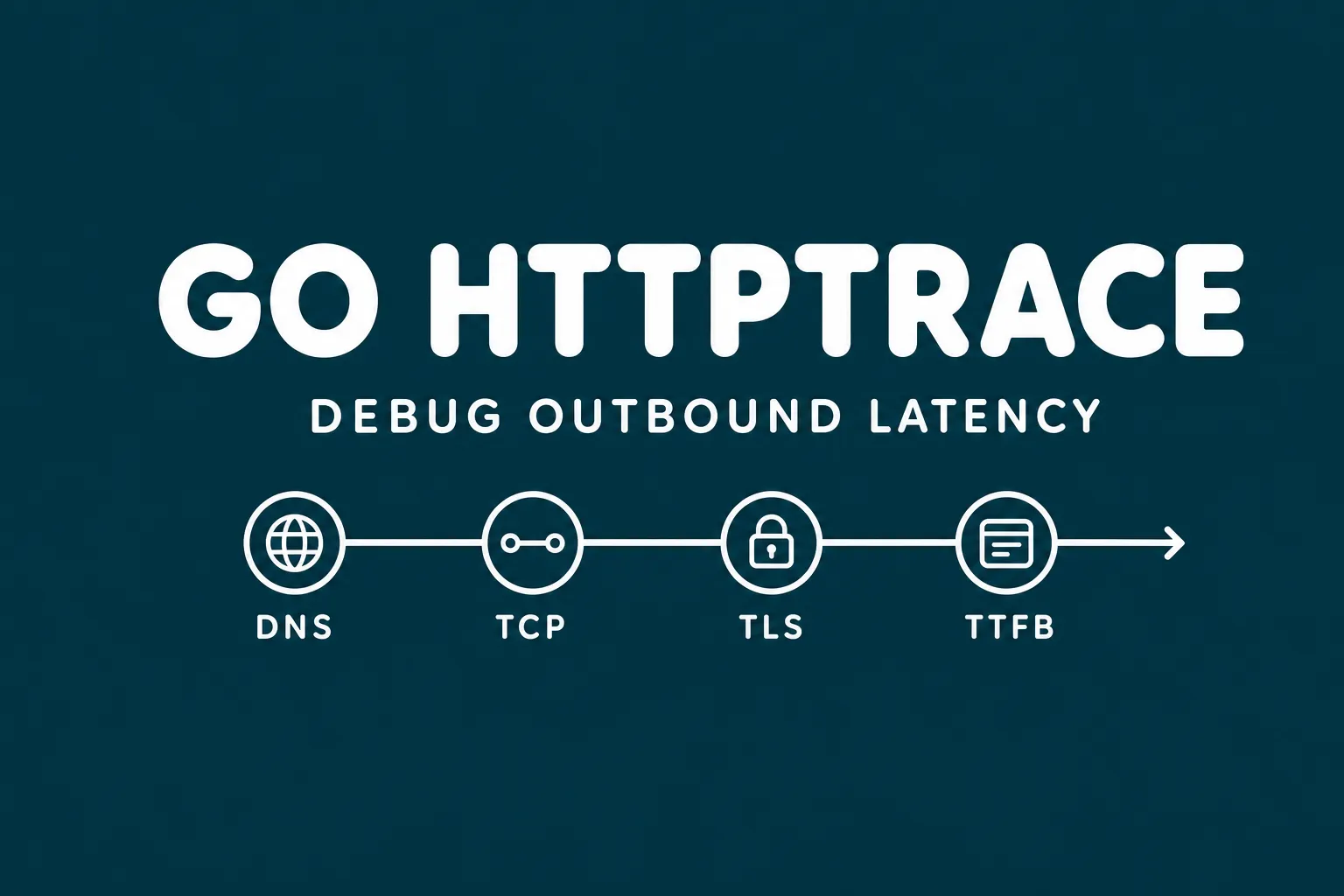
When an internal API call gets slow, the hard part is often finding where the time went. Was it DNS, a new TCP connection, a TLS handshake, a cold upstream, or a client that stopped reusing connections? A recent Hacker News discussion around Blain Smith's article on Go httptrace is a useful reminder that Go already ships a sharp debugging tool for this problem.
What Is httptrace?
net/http/httptrace is a Go standard-library package for tracing events inside outbound HTTP client requests. It has been available since Go 1.7 and is documented in the official Go blog post Introducing HTTP Tracing.
Instead of adding a tracer field to http.Client, Go attaches a ClientTrace to the request context. The transport reads that context and calls hooks as request events happen. That makes tracing per-request, concurrency-friendly, and easy to add temporarily in a debugging build.
Key Signals
For operators, the useful hooks map directly to common latency questions:
DNSStartandDNSDoneshow resolver cost.ConnectStartandConnectDoneshow TCP connection time.TLSHandshakeStartandTLSHandshakeDoneisolate TLS setup.GotConnshows whether the client got a new or reused connection.GotFirstResponseBytecaptures time to first byte from the upstream.
These signals help you tell the difference between network delay, connection-pool mistakes, and server-side slowness.
Setup
There is nothing to install beyond Go itself. Import the standard package and attach a trace to a request context:
trace := &httptrace.ClientTrace{
    GotConn: func(info httptrace.GotConnInfo) {
        log.Printf("reused=%v idle=%v", info.Reused, info.IdleTime)
    },
    GotFirstResponseByte: func() {
        log.Println("first byte received")
    },
}

req, _ := http.NewRequest("GET", "https://example.com", nil)
req = req.WithContext(httptrace.WithClientTrace(req.Context(), trace))
_, err := http.DefaultClient.Do(req)
For production diagnostics, wrap http.RoundTripper and attach the trace before delegating to the base transport. That lets you log timings for one dependency, one service, or one incident window without spreading ad hoc timers through business logic.
Incident Use Cases
Use httptrace when a service reports "API latency" but dashboards are too coarse. A quick trace can show that every request creates a fresh connection because response bodies are not being closed, or because code constructs a new http.Client for every call.
It is also useful before blaming a provider. If DNS and TLS are fast but first byte is slow, you have a better case for upstream application latency. If connection setup dominates, check keepalives, proxies, NAT gateways, egress firewalls, and service mesh settings first.
Operational Tips
Keep tracing opt-in. Emit structured fields such as dns_ms, tcp_ms, tls_ms, ttfb_ms, total_ms, and conn_reused so logs can be queried during an incident.
Remember that RoundTrip returns after response headers arrive, not after the body is fully consumed. If total download time matters, wrap res.Body and record the final timestamp on Close.
Conclusion
httptrace is small, boring, and exactly the kind of tool SRE teams should know exists. It gives enough visibility to debug outbound HTTP behavior before reaching for packet captures or heavier instrumentation.
If your team wants to turn these kinds of low-level signals into reliable production workflows, Akmatori helps SRE teams build AI agents that watch infrastructure, investigate alerts, and keep incidents moving. Powered by Gcore for global infrastructure reliability.