
How to Use Curl with HTTP Proxy: Complete Guide
Quick Reference:
# HTTP proxy
curl -x http://proxy.example.com:8080 https://api.example.com

# With authentication
curl -x http://user:[email protected]:8080 https://api.example.com

# Using environment variable
export https_proxy=http://proxy.example.com:8080
curl https://api.example.com

# SOCKS5 proxy
curl --socks5 proxy.example.com:1080 https://api.example.com
Whether you're working behind a corporate firewall, debugging network issues, or routing traffic through a VPN, knowing how to use curl with proxies is essential. This guide covers all the ways to configure proxy settings in curl.
Basic Proxy Usage
HTTP Proxy with -x Flag
The -x or --proxy flag specifies the proxy server:
curl -x http://proxy.example.com:8080 https://api.example.com
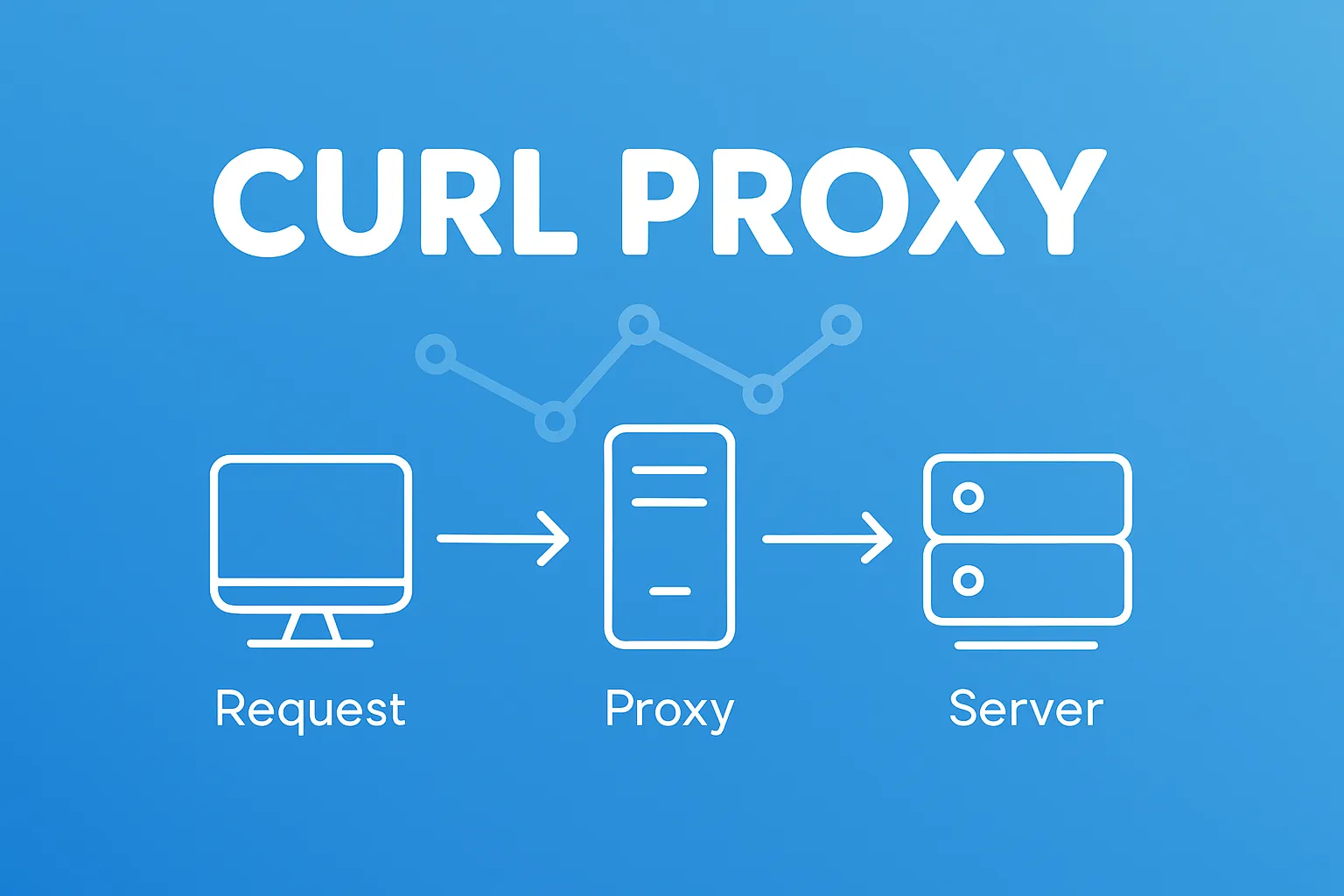
This routes your HTTPS request through the HTTP proxy at proxy.example.com:8080.
Proxy URL Format
The proxy URL follows this format:
[protocol://][user:password@]host[:port]
Examples:
# Just host and port
curl -x proxy.example.com:8080 https://api.example.com

# With protocol
curl -x http://proxy.example.com:8080 https://api.example.com

# With authentication
curl -x http://admin:[email protected]:8080 https://api.example.com
Environment Variables
Curl automatically reads proxy settings from environment variables:
| Variable | Purpose |
|---|---|
http_proxy |
Proxy for HTTP requests |
https_proxy |
Proxy for HTTPS requests |
all_proxy |
Proxy for all protocols |
no_proxy |
Comma-separated list of hosts to bypass |
Setting Environment Variables
# For the current session
export http_proxy=http://proxy.example.com:8080
export https_proxy=http://proxy.example.com:8080

# Or uppercase (both work)
export HTTP_PROXY=http://proxy.example.com:8080
export HTTPS_PROXY=http://proxy.example.com:8080

# Now curl uses the proxy automatically
curl https://api.example.com
Bypassing Proxy for Specific Hosts
Use no_proxy to exclude hosts from proxying:
export no_proxy=localhost,127.0.0.1,.internal.company.com
export https_proxy=http://proxy.example.com:8080

# This goes through proxy
curl https://api.example.com

# This bypasses proxy
curl https://app.internal.company.com
Note: The no_proxy variable supports:
- Exact hostnames:
localhost - IP addresses:
127.0.0.1 - Domain suffixes:
.company.com(includes all subdomains) - CIDR notation is NOT supported by curl
Proxy Authentication
In the URL
curl -x http://username:[email protected]:8080 https://api.example.com
With Separate Flag
Use -U or --proxy-user for cleaner commands:
curl -x http://proxy.example.com:8080 \
     -U username:password \
     https://api.example.com
From Environment Variable
export https_proxy=http://username:[email protected]:8080
curl https://api.example.com
Interactive Password Prompt
To avoid passwords in shell history:
curl -x http://proxy.example.com:8080 \
     -U username \
     https://api.example.com
# curl will prompt for password
NTLM Authentication (Windows/Corporate)
For proxies requiring NTLM:
curl -x http://proxy.example.com:8080 \
     --proxy-ntlm \
     -U domain\\username:password \
     https://api.example.com
HTTPS Proxy (CONNECT Tunnel)
When using an HTTP proxy with HTTPS URLs, curl uses the CONNECT method to create a tunnel:
# This creates a CONNECT tunnel through the proxy
curl -x http://proxy.example.com:8080 https://secure.example.com
The proxy sees only the destination host, not the encrypted content.
Proxy Over HTTPS
If the proxy itself requires HTTPS:
curl -x https://proxy.example.com:8443 https://api.example.com
You may need to specify the proxy's CA certificate:
curl -x https://proxy.example.com:8443 \
     --proxy-cacert /path/to/proxy-ca.crt \
     https://api.example.com
SOCKS Proxy
Curl supports SOCKS4, SOCKS4a, and SOCKS5 proxies:
# SOCKS5
curl --socks5 proxy.example.com:1080 https://api.example.com

# SOCKS5 with hostname resolution at proxy
curl --socks5-hostname proxy.example.com:1080 https://api.example.com

# SOCKS4
curl --socks4 proxy.example.com:1080 https://api.example.com

# SOCKS4a (hostname resolution at proxy)
curl --socks4a proxy.example.com:1080 https://api.example.com
SOCKS5 with Authentication
curl --socks5 proxy.example.com:1080 \
     --proxy-user username:password \
     https://api.example.com
Using -x with SOCKS
You can also use the -x flag with a socks protocol:
curl -x socks5://proxy.example.com:1080 https://api.example.com
curl -x socks5h://proxy.example.com:1080 https://api.example.com  # hostname resolution at proxy
.curlrc Configuration File
For persistent proxy settings, create ~/.curlrc:
# ~/.curlrc
proxy = http://proxy.example.com:8080
proxy-user = username:password
noproxy = localhost,127.0.0.1,.internal.company.com
Now all curl commands use these settings by default.
To ignore .curlrc for a specific command:
curl -q https://api.example.com # -q ignores config file
Different Proxies per Protocol
Set different proxies for HTTP and HTTPS:
export http_proxy=http://http-proxy.example.com:8080
export https_proxy=http://https-proxy.example.com:8443

# HTTP request goes through http-proxy
curl http://example.com

# HTTPS request goes through https-proxy
curl https://example.com
Proxy Tunneling for Non-HTTP Protocols
Use -p or --proxytunnel to tunnel non-HTTP protocols:
curl -x http://proxy.example.com:8080 \
     -p \
     ftp://ftp.example.com/file.txt
Debugging Proxy Connections
Verbose Output
curl -v -x http://proxy.example.com:8080 https://api.example.com
Look for lines like:
* Connected to proxy.example.com (10.0.0.1) port 8080 (#0)
* Establish HTTP proxy tunnel to api.example.com:443
< HTTP/1.1 200 Connection established
Show Only Headers
curl -I -x http://proxy.example.com:8080 https://api.example.com
Timing Information
curl -w "@curl-timing.txt" -x http://proxy.example.com:8080 https://api.example.com
With curl-timing.txt:
     time_namelookup:  %{time_namelookup}s\n
        time_connect:  %{time_connect}s\n
     time_appconnect:  %{time_appconnect}s\n
    time_pretransfer:  %{time_pretransfer}s\n
       time_redirect:  %{time_redirect}s\n
  time_starttransfer:  %{time_starttransfer}s\n
          time_total:  %{time_total}s\n
Common Issues and Solutions
Error: Proxy CONNECT aborted
curl: (56) Proxy CONNECT aborted
Cause: Proxy rejected the CONNECT request, often due to:
- Destination port not allowed (proxy may only allow 443)
- Authentication required
- Destination host blocked
Fix: Check proxy logs, verify credentials, confirm destination is allowed.
Error: Could not resolve proxy
curl: (5) Could not resolve proxy: proxy.example.com
Fix: Verify proxy hostname and DNS resolution:
nslookup proxy.example.com
Error: Connection refused
curl: (7) Failed to connect to proxy.example.com port 8080: Connection refused
Fix: Verify proxy is running and port is correct:
nc -zv proxy.example.com 8080
SSL Certificate Error with Proxy
curl: (60) SSL certificate problem: self signed certificate
For self-signed proxy certificates:
curl -x https://proxy.example.com:8443 \
     --proxy-insecure \
     https://api.example.com
Or provide the CA certificate:
curl -x https://proxy.example.com:8443 \
     --proxy-cacert /path/to/proxy-ca.crt \
     https://api.example.com
Proxy Not Used Despite Environment Variable
Check if no_proxy is set:
echo $no_proxy
echo $NO_PROXY
Or if curl is ignoring environment:
curl -v https://api.example.com 2>&1 | grep -i proxy
Quick Reference Table
| Task | Command |
|---|---|
| HTTP proxy | curl -x http://proxy:8080 URL |
| HTTPS proxy | curl -x https://proxy:8443 URL |
| SOCKS5 proxy | curl --socks5 proxy:1080 URL |
| With auth | curl -x http://user:pass@proxy:8080 URL |
| Separate auth | curl -x proxy:8080 -U user:pass URL |
| Env variable | export https_proxy=http://proxy:8080 |
| Bypass proxy | curl --noproxy "*" URL |
| Verbose debug | curl -v -x proxy:8080 URL |
Conclusion
Curl's proxy support is comprehensive, covering HTTP, HTTPS, SOCKS4, and SOCKS5 protocols. For quick testing, use the -x flag. For persistent configuration, set environment variables or use .curlrc. When debugging, always start with -v to see exactly how curl connects through the proxy.
Automating API calls through corporate proxies? Akmatori AI agents handle proxy configuration automatically when diagnosing and resolving infrastructure issues.