
Coroot Guide: AI-Assisted Observability for SRE Teams
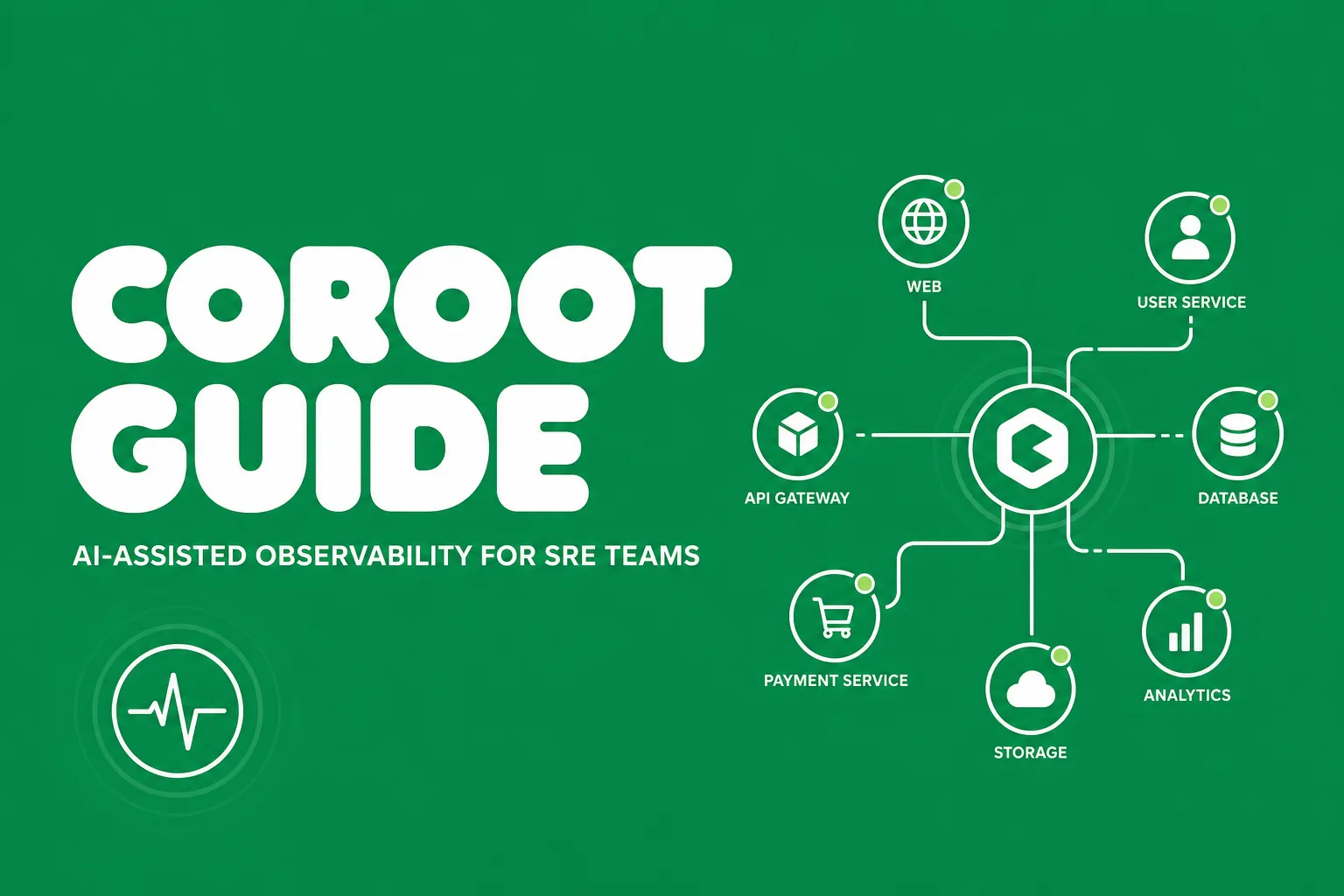
Observability stacks often collect plenty of telemetry but still leave SRE teams stitching together incidents by hand. Coroot tries to close that gap by turning raw signals into a service map, health summaries, inspections, and guided root cause hints from one interface.
That makes it a timely tool to watch for platform teams in 2026. It sits at the intersection of eBPF-based collection, practical APM, and operator-friendly troubleshooting.
What Is Coroot?
Coroot is an open-source observability and APM tool maintained by the Coroot team. According to the official project, it combines metrics, logs, traces, continuous profiling, and SLO-based alerting with predefined dashboards and inspections.
One of its strongest ideas is zero-instrumentation visibility for infrastructure and application flows using eBPF. Instead of asking teams to wire up every dashboard and dependency map from scratch, Coroot automatically builds a service map and audits applications with built-in inspections.
That is appealing for SREs because it reduces time spent on setup and time lost during the first minutes of an incident.
Why SRE Teams Should Care
Coroot is interesting because it targets the usual observability pain points directly:
- fragmented views across metrics, logs, traces, and profiles
- blind spots in service-to-service dependencies
- noisy dashboards without actionable next steps
- slow root cause analysis during incidents
- manual SLO tracking across many services
For small and mid-sized platform teams, a tool that ships with service health summaries and predefined inspections can be easier to operationalize than a loose collection of telemetry backends.
Install Coroot on Kubernetes
The quickest documented path is the community edition Helm install.
helm repo add coroot https://coroot.github.io/helm-charts
helm repo update coroot
helm install -n coroot --create-namespace coroot-operator coroot/coroot-operator
helm install -n coroot coroot coroot/coroot-ce \
  --set "clickhouse.shards=2,clickhouse.replicas=2"
kubectl port-forward -n coroot service/coroot-coroot 8080:8080
After that, open http://localhost:8080 and connect your cluster telemetry.
How To Use Coroot Effectively
A practical first workflow is:
- open the service map and confirm dependencies look complete
- review the application health summary for obvious hot spots
- inspect built-in findings around latency, errors, saturation, or misconfiguration
- pivot into traces, logs, and profiles for the affected service
- use the RCA view to narrow the likely fault domain faster
This is where Coroot feels different from a plain metrics UI. The goal is not only to display telemetry, but to help operators jump from symptom to explanation with fewer hops.
Operational Tips
A few best practices stand out:
- start with one non-critical cluster and validate data volume first
- compare Coroot's service map against your known architecture to catch blind spots
- pair SLO alerts with runbooks so responders have a fast next step
- use the built-in inspections as a triage layer, not as a replacement for engineering judgment
- review storage sizing early because multi-signal observability platforms can grow fast
Conclusion
Coroot is worth a look if your team wants a more opinionated observability stack with less manual glue work. It brings together the telemetry SREs already care about, then tries to make that data more useful through inspections, health summaries, and AI-assisted root cause analysis.
For teams that want to push incident response even further, Akmatori helps SRE teams automate investigation, triage, and remediation workflows with AI agents while keeping humans in control of production actions.